
Vista Social can be accessed from your web browser, desktop app, or mobile app. Each option is suited to different workflows, so you can choose the one that works best for you, or use multiple options with the same account.
This guide explains how to access Vista Social on each platform and what you can use each option for.
Using Vista Social on the web
The web app is the primary way to access Vista Social and provides the full feature set without requiring any installation.
To get started, open Vista Social in your preferred web browser and sign in to your account:
The web version is recommended for:
Content creation and scheduling
Inbox management
Reporting and analytics
Managing profiles, teams, and settings
Advanced workflows and configuration
Using Vista Social on a desktop
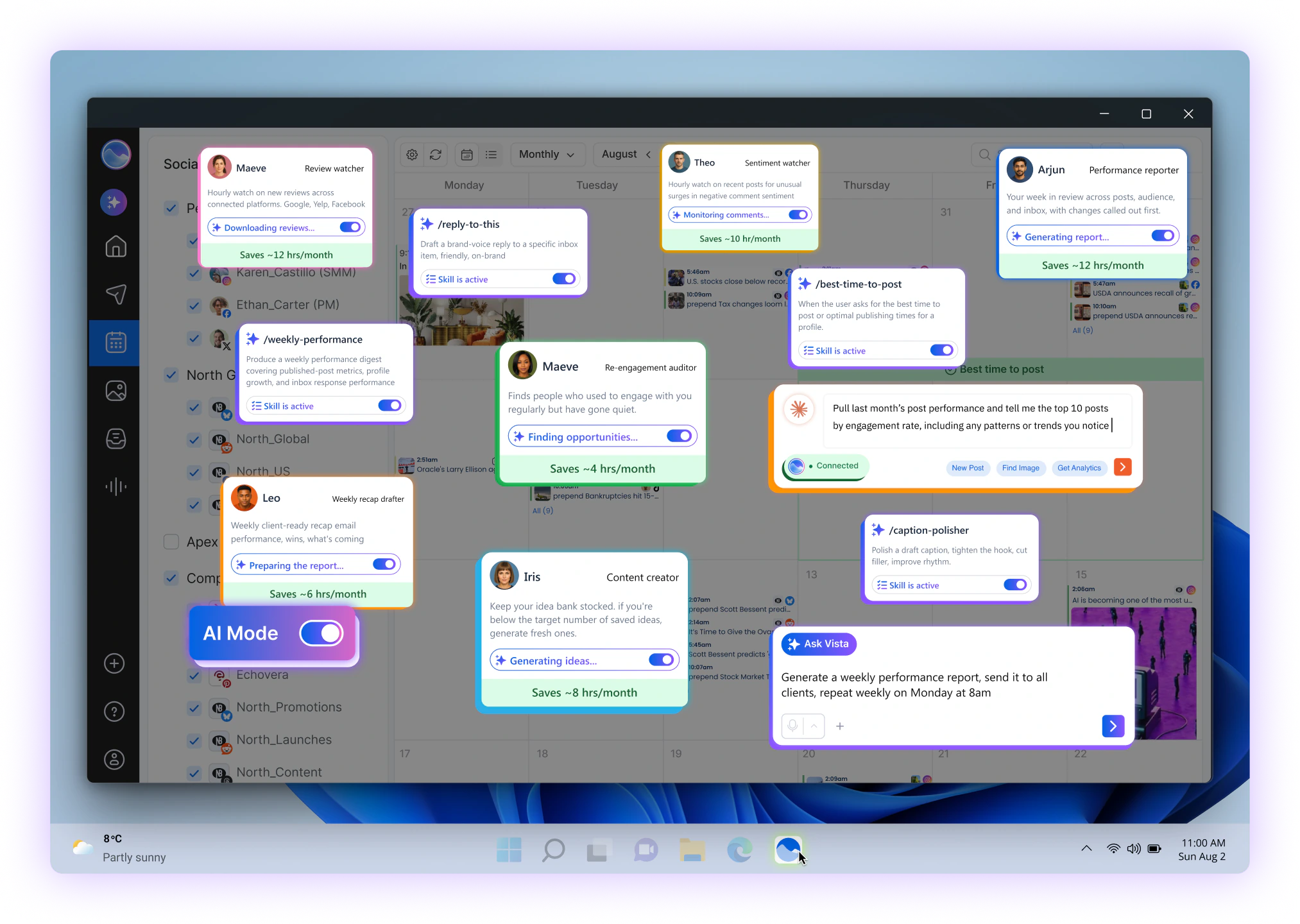
The web app is the primary way to access Vista Social and provides the full feature set without requiring any installation.
To get started, open Vista Social in your preferred web browser and sign in to your account:
https://vistasocial.com/desktop/
The desktop app is ideal if you:
Prefer a dedicated app instead of a browser tab
Want quicker access from your desktop
Work primarily on a computer throughout the day
The desktop app provides the same core functionality as the web version.
Using Vista Social on mobile
The Vista Social mobile app lets you manage your social media activities while you're away from your computer.
Download the mobile app from the Vista Social mobile page and sign in with your existing account:
https://vistasocial.com/mobile/
The mobile app is best for:
Receiving reminder notifications
Publishing posts via reminder-based workflows
Quick inbox responses and analytics tracking
Managing content while away from your desk
Make sure notifications are enabled so you don’t miss scheduled reminders.
Choosing the right option
| Option | Best for | Installation required |
|---|---|---|
| Web | Content creation, scheduling, reporting, settings, and advanced workflows | No |
| Desktop | A dedicated Vista Social experience on your computer | Yes |
| Mobile | Reminder notifications, quick inbox responses, analytics, and on-the-go publishing | Yes |
You can use Vista Social across platforms with the same account. For example, you can use the web or desktop app for planning and scheduling, and the mobile app for reminders and quick actions while you're away from your computer.
Your data stays in sync across desktop, mobile, and web.
Frequently Asked Questions
Q: Do I need a separate Vista Social account for each platform?
A: No. The article currently states that you can use Vista Social across platforms with the same account.
Q: Do I need to install anything to use Vista Social on the web?
A: No. The web version can be accessed directly from a modern web browser.
Q: Can I use Vista Social on both desktop and mobile?
A: Yes. The article explains that you can use Vista Social across the available platforms with the same account.
Q: What is the web version best for?
A: It is recommended for content creation and scheduling, inbox management, reporting and analytics, profile and team management, and advanced workflows.
Q: What is the mobile app best for?
A: It is particularly useful for reminder notifications, reminder-based publishing, quick inbox responses, analytics, and managing content while away from your desk.
Need further help?
If you have questions about installing or accessing Vista Social on any platform, feel free to contact our support team. We’re happy to help 💙
Related Reading:
Getting started with Vista Social
Sign up now and try Vista Social for 14 days, free!