
You can use Vista Social in your web browser, in the desktop app, or in the mobile app. All three use the same account, so you can pick the one that fits the task or use them together.
Using Vista Social on the web
The web app gives you the full feature set with nothing to install. Open vistasocial.com in your browser and log in to your account.
The web app is best for:
- Creating and scheduling content
- Managing the Inbox
- Reports and analytics
- Managing profiles, team members, and settings
- Advanced workflows and configuration
Using Vista Social on desktop
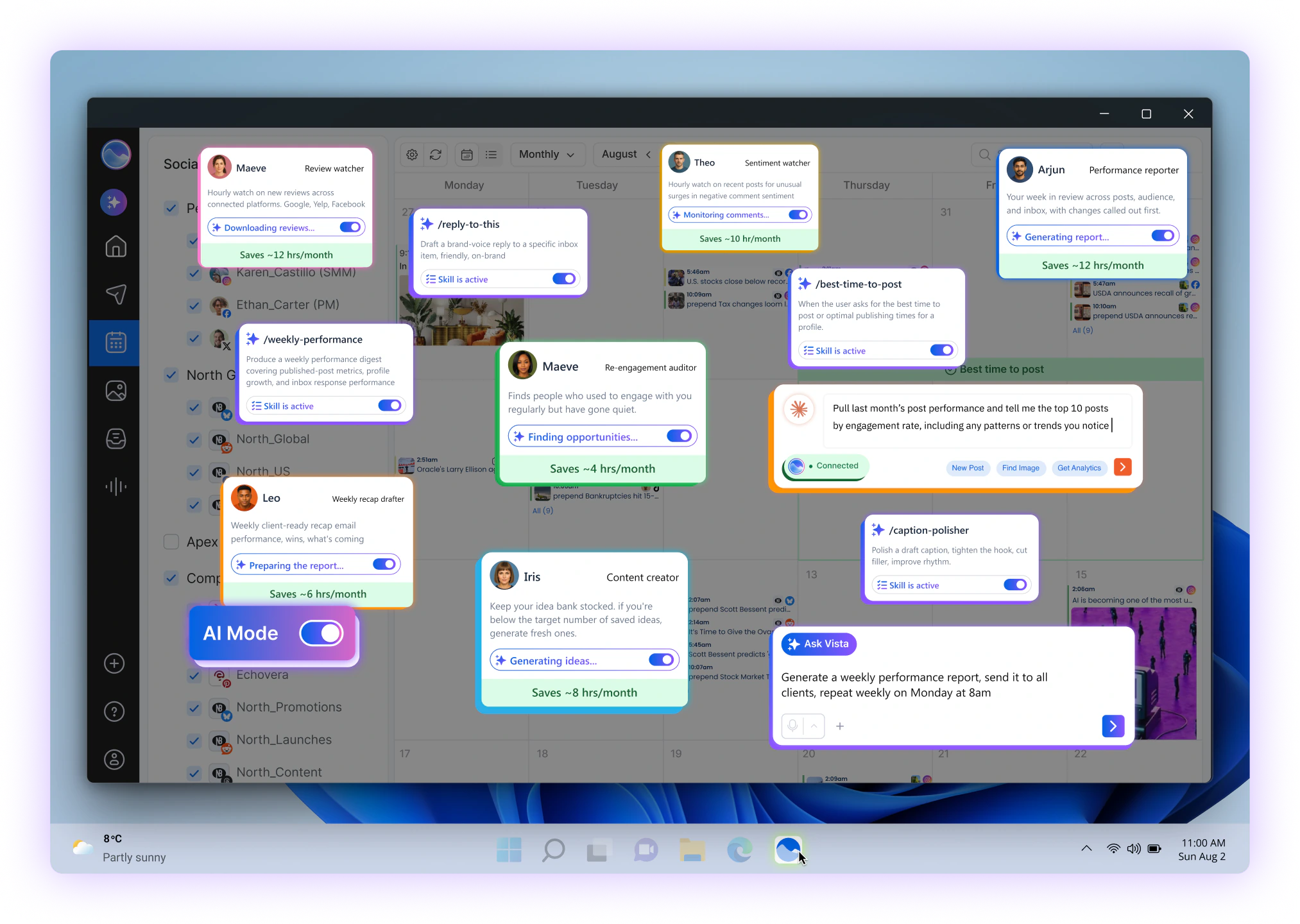
The desktop app gives you Vista Social in its own window instead of a browser tab. Download it from vistasocial.com/desktop and log in with your existing account.
The desktop app is a good fit if you:
- Prefer a dedicated app instead of a browser tab
- Want quick access from your computer's dock or taskbar
- Work on a computer throughout the day
The desktop app has the same core features as the web app.
Using Vista Social on mobile
The mobile app lets you manage your social media when you're away from your computer. Download it from vistasocial.com/mobile and log in with your existing account.
The mobile app is best for:
- Getting reminder notifications
- Publishing posts from reminders
- Replying to Inbox messages and checking analytics on the go
- Managing content away from your desk
Pro Tip Turn on notifications for the Vista Social app so you don't miss post reminders. |
Choosing the right option
Option |
Best for |
Installation required |
|---|---|---|
| Web | Content creation, scheduling, reporting, settings, and advanced workflows | No |
| Desktop | A dedicated Vista Social window on your computer | Yes |
| Mobile | Reminder notifications, quick Inbox replies, analytics, and publishing on the go | Yes |
For example, you can plan and schedule on the web or desktop app, then use the mobile app for reminders and quick replies. Your data stays in sync across all three.
Frequently Asked Questions
Q: Do I need a separate account for each platform?
A: No. You use the same Vista Social account on web, desktop, and mobile.
Q: Do I need to install anything to use Vista Social on the web?
A: No. Just open Vista Social in a supported, up-to-date browser. See Browser, internet, and device requirements for using Vista Social.
Q: Can I use Vista Social on both desktop and mobile?
A: Yes. Your work stays in sync across all platforms.
Q: What is the mobile app best for?
A: Reminder notifications, publishing from reminders, quick Inbox replies, analytics, and managing content away from your desk.
Need help?
Reach out to our support team, and we are happy to help.
Related Reading:
Getting started with Vista Social
Getting Started with the Vista Social app
Browser, internet, and device requirements for using Vista Social
Sign up now and try Vista Social for 14 days, free!